How to Convert a Framer Site to Next.js (Step-by-Step)
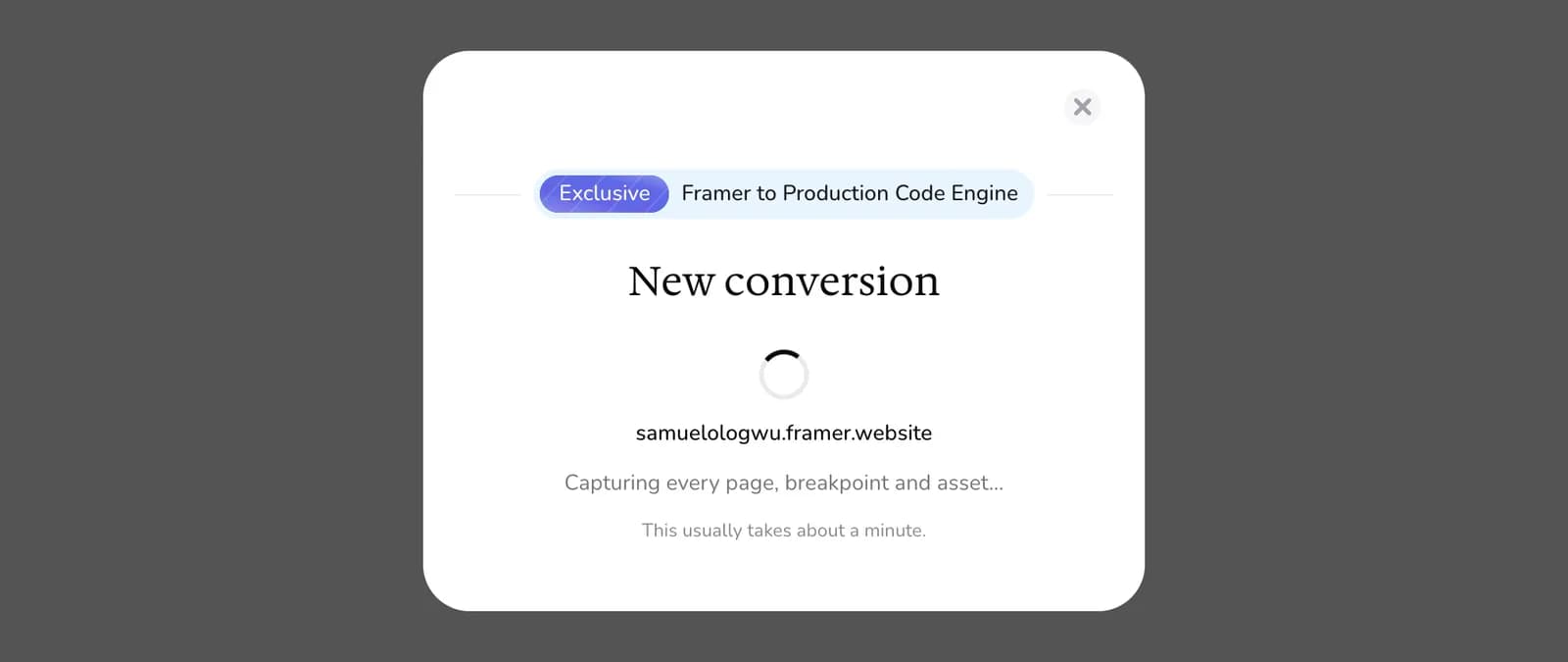
Move a Framer site to Next.js without rebuilding it: convert it from its URL in about a minute, preview it, then download the code or deploy it to Vercel.
By FrameCompile TeamPublished 3 min read
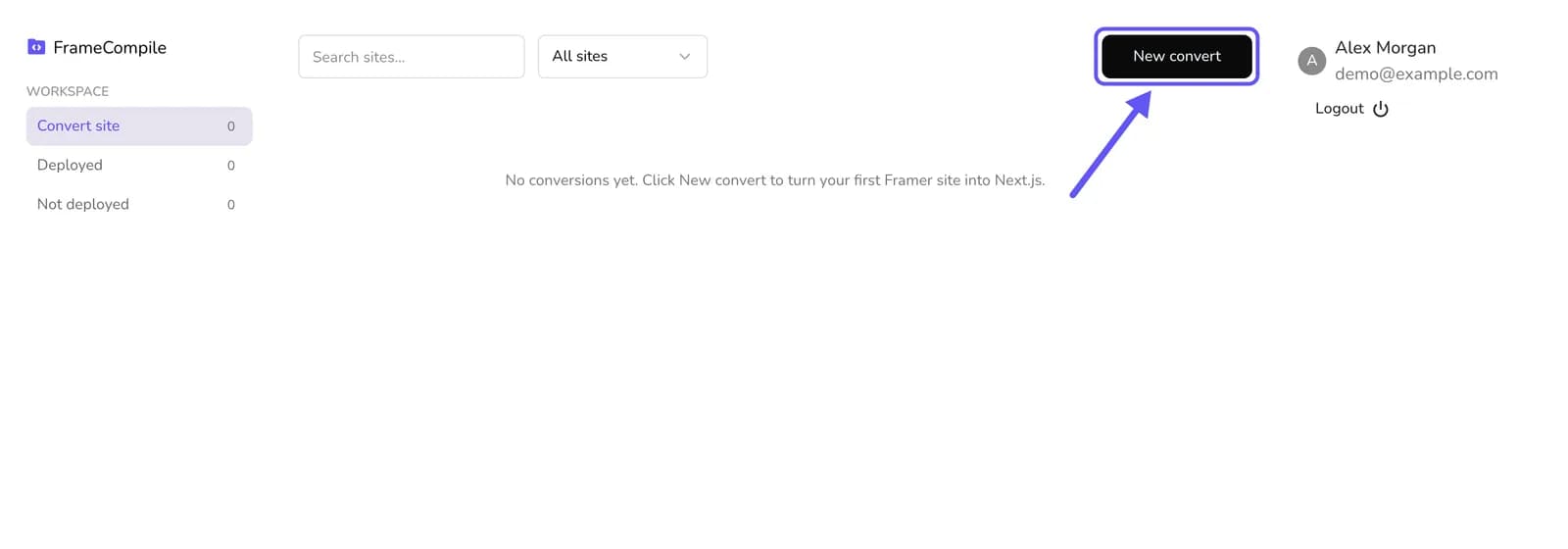
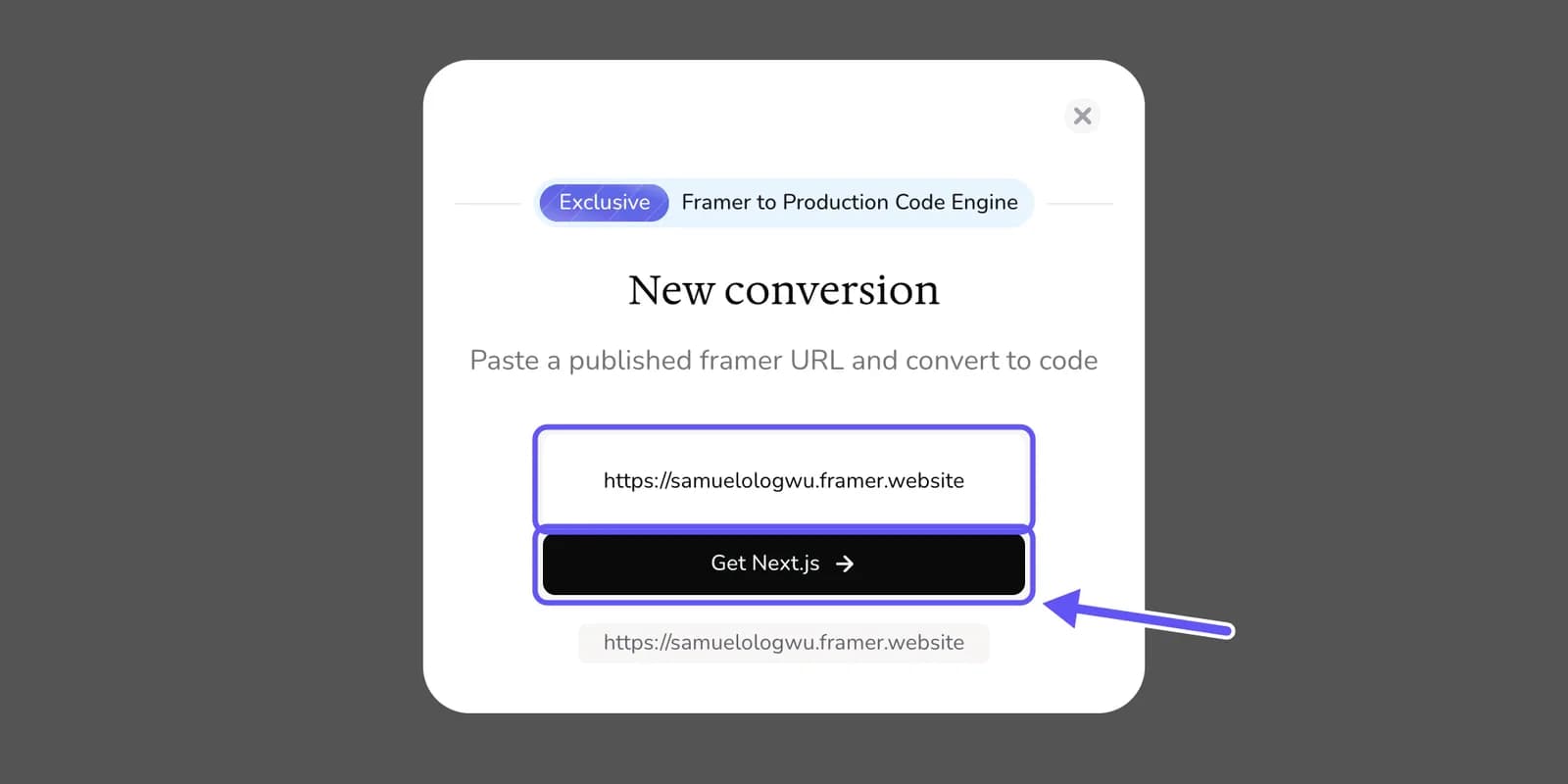
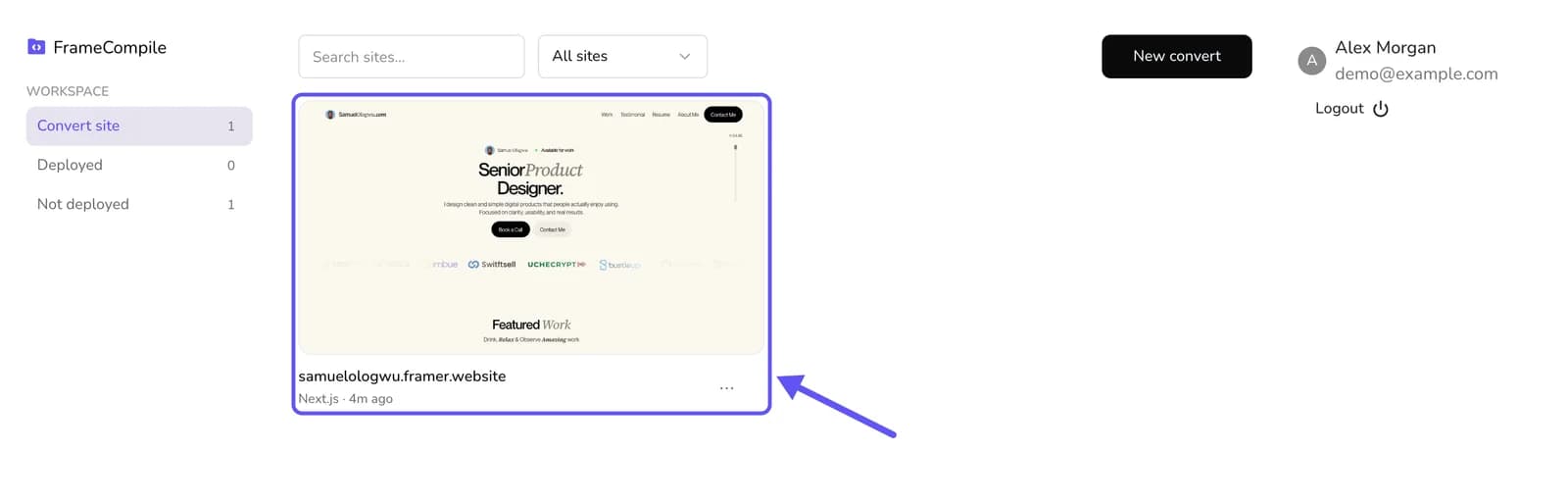
To convert a Framer site to Next.js, sign in to FrameCompile, select New convert, paste your site's published URL and select Get Next.js. In about a minute you get a Next.js project that looks exactly like the Framer original. Preview it, then select Download code for a ZIP or Deploy to publish it on your own Vercel account. No Framer plugin or export is needed.
Why move a Framer site to Next.js
- You own the code. The site lives in your repository, not inside a design tool's account.
- Host it anywhere. Vercel, Netlify, Railway, Render, Docker or your own server.
- Lower running costs. Hosting a Next.js site is free on many platforms, instead of a monthly site plan.