How to Buy a Domain on Namecheap (Step-by-Step)
From search to a domain you own in about five minutes: every Namecheap checkout screen explained, which extras to skip, and how to keep the domain from expiring.
By FrameCompile TeamPublished 3 min read
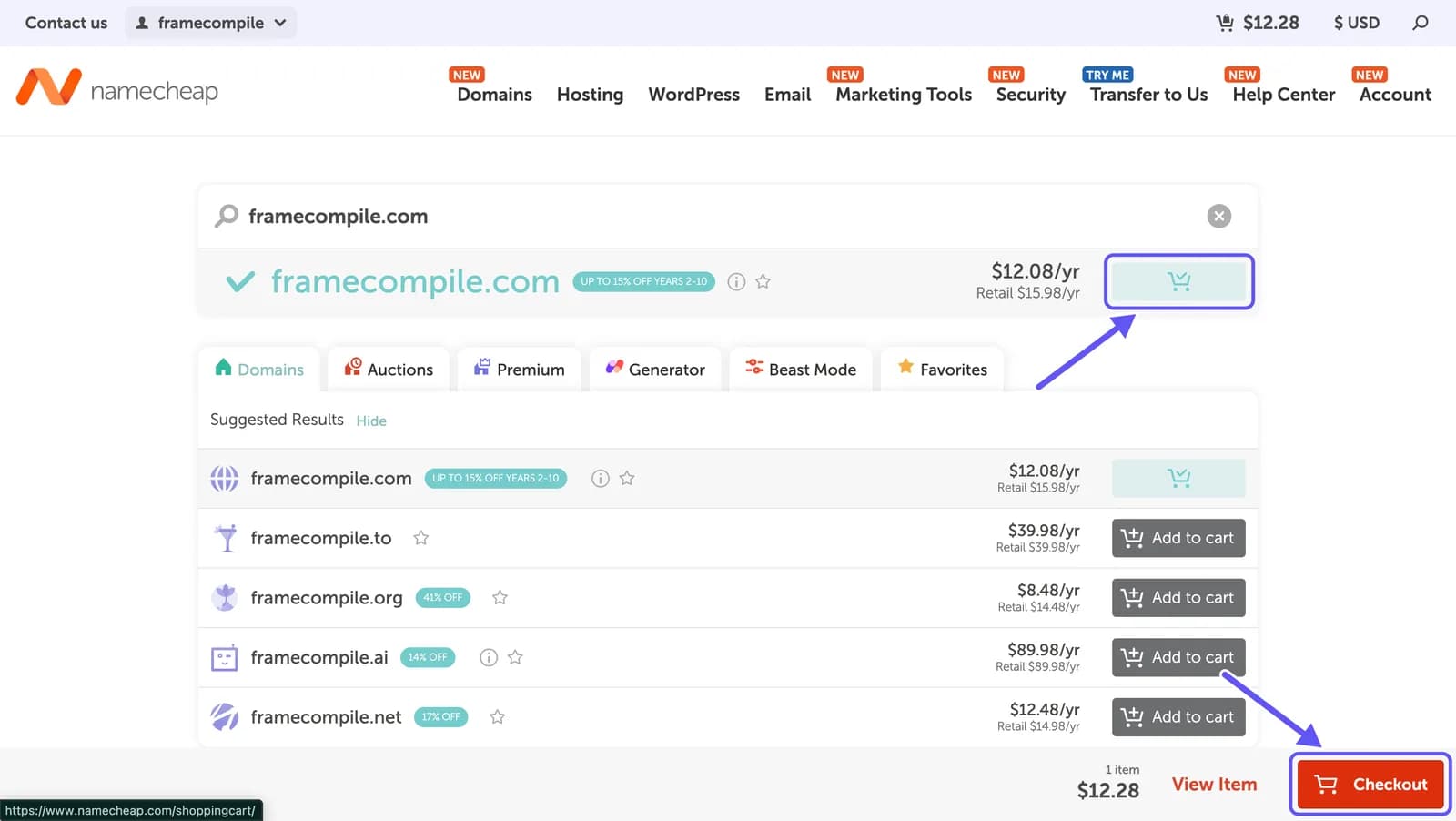
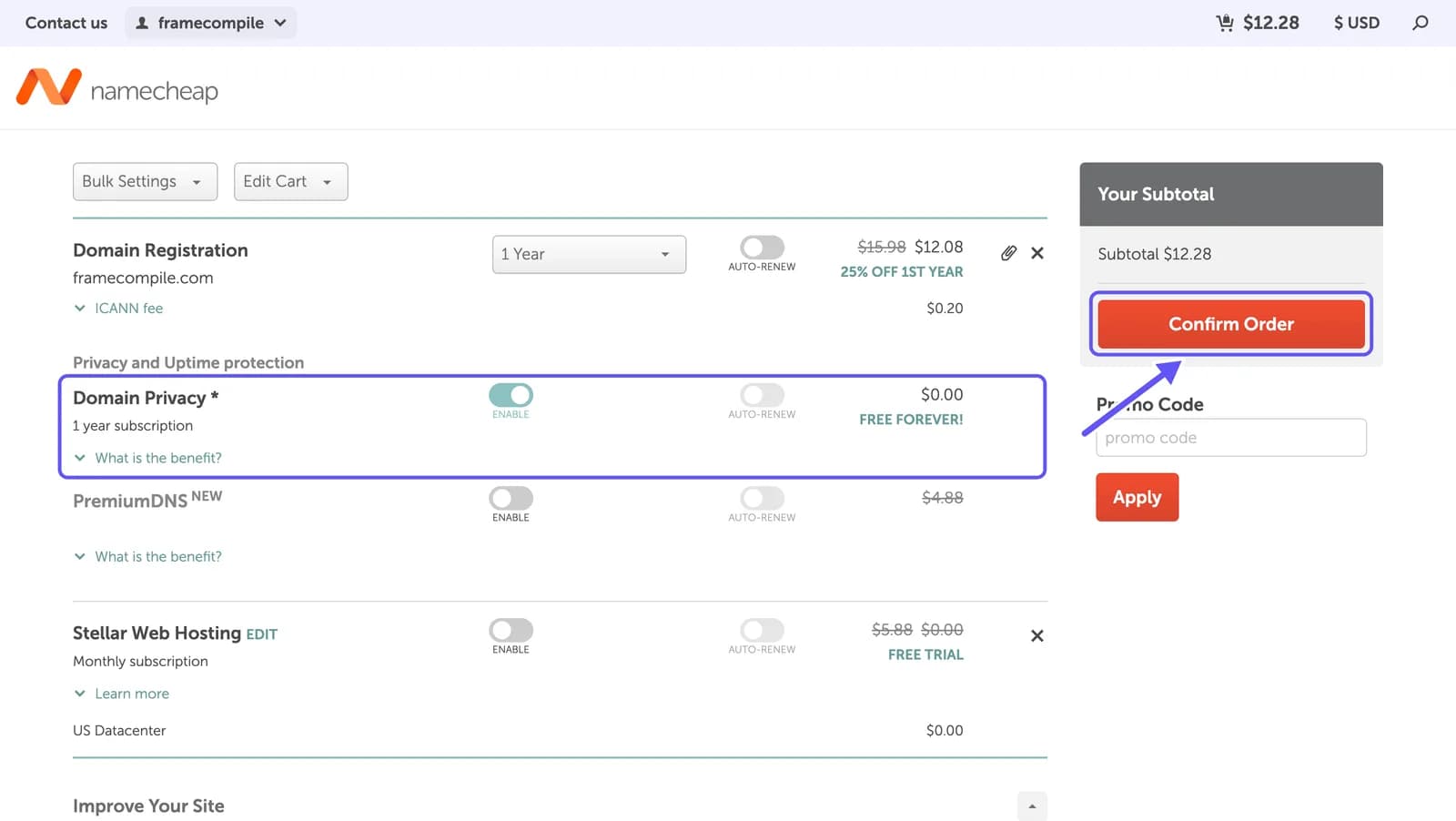
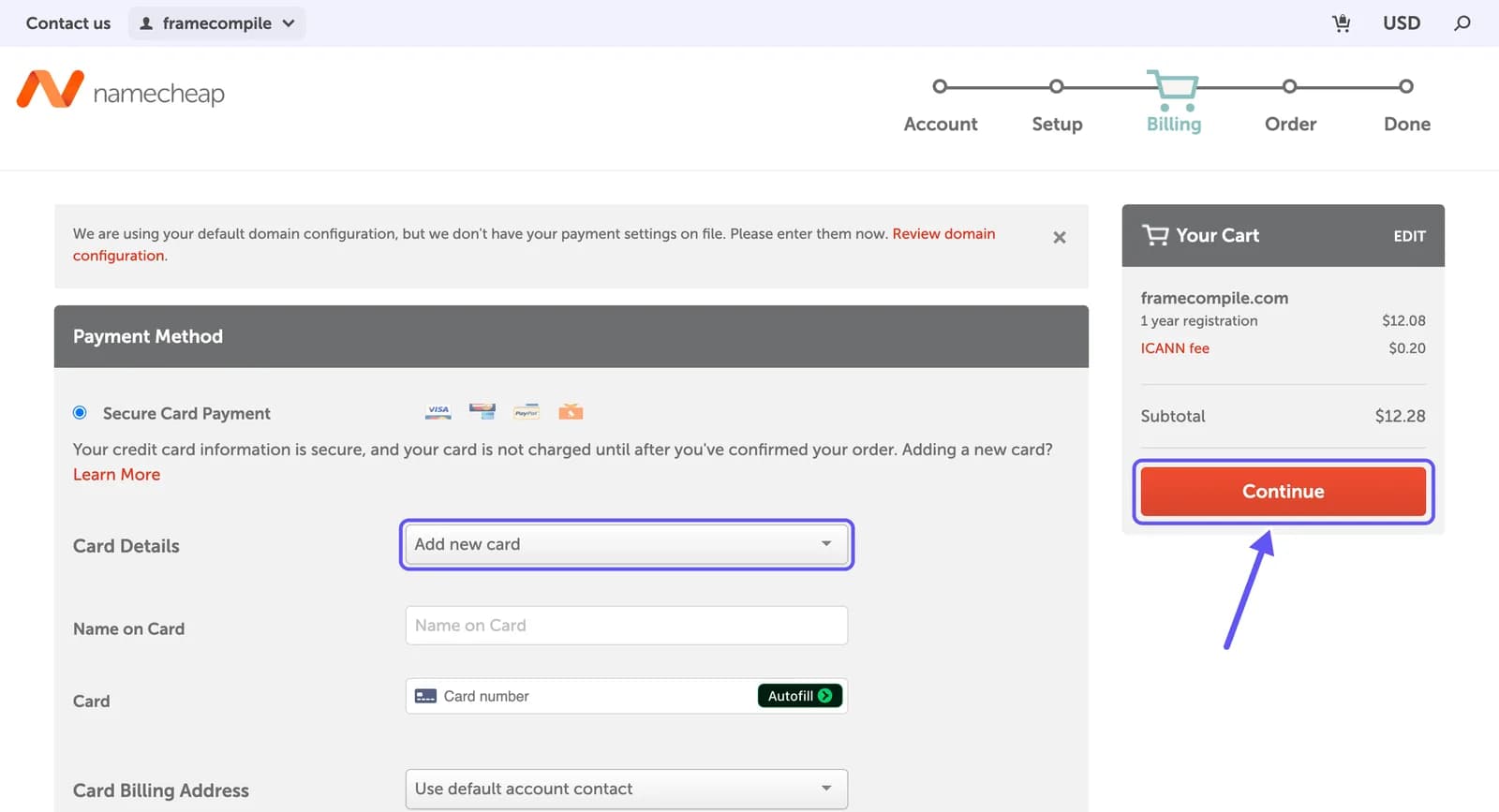
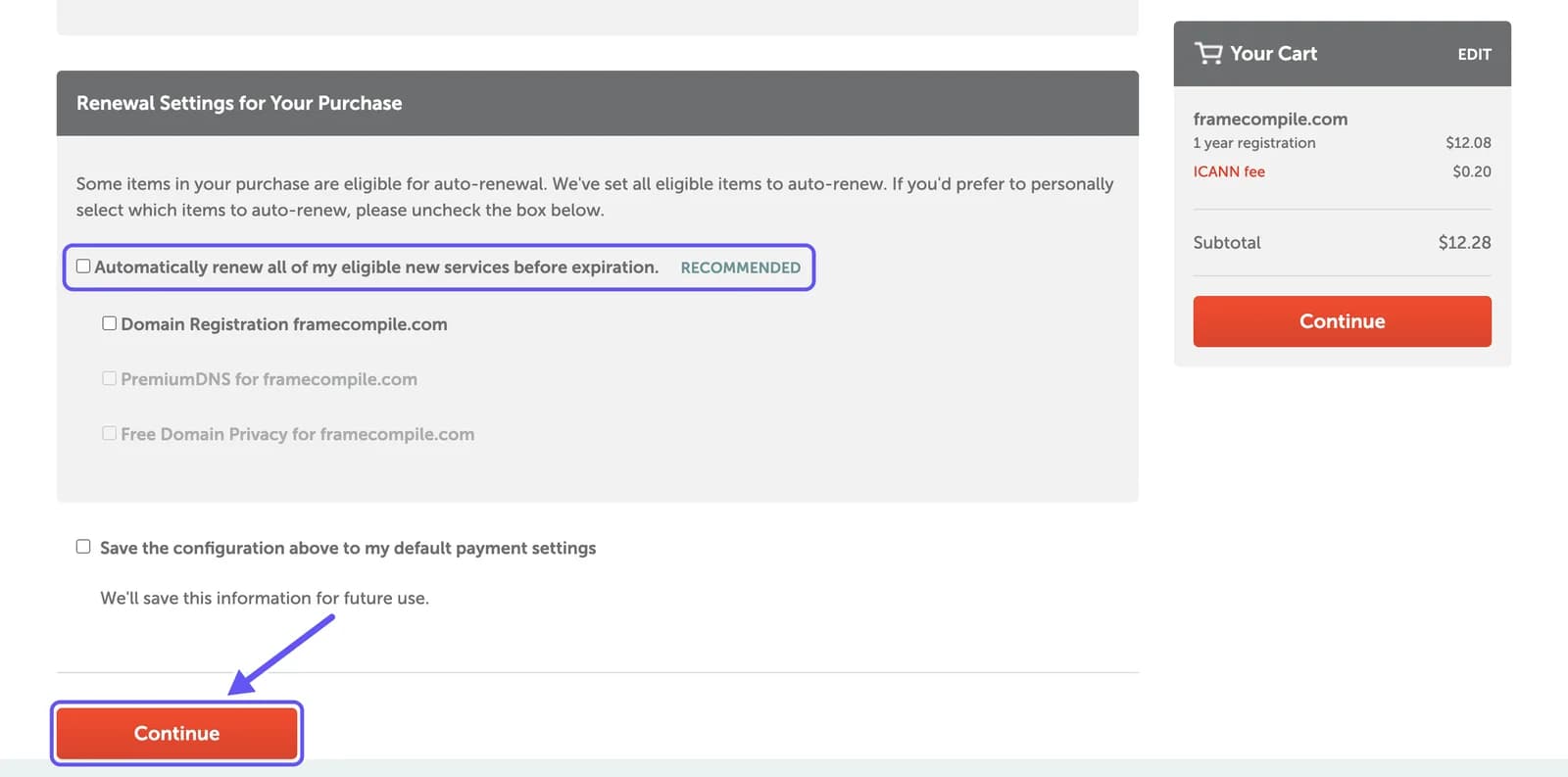
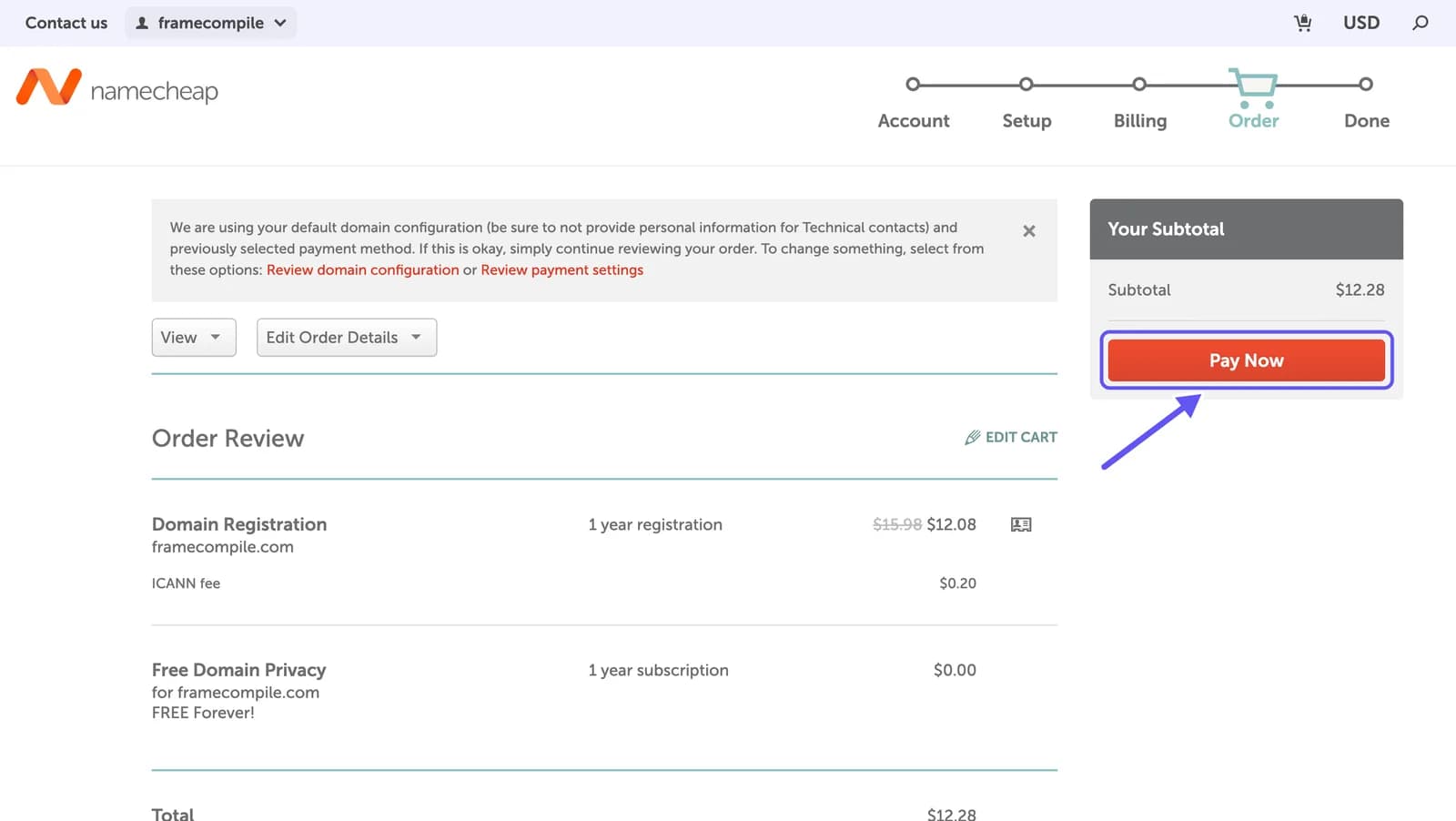
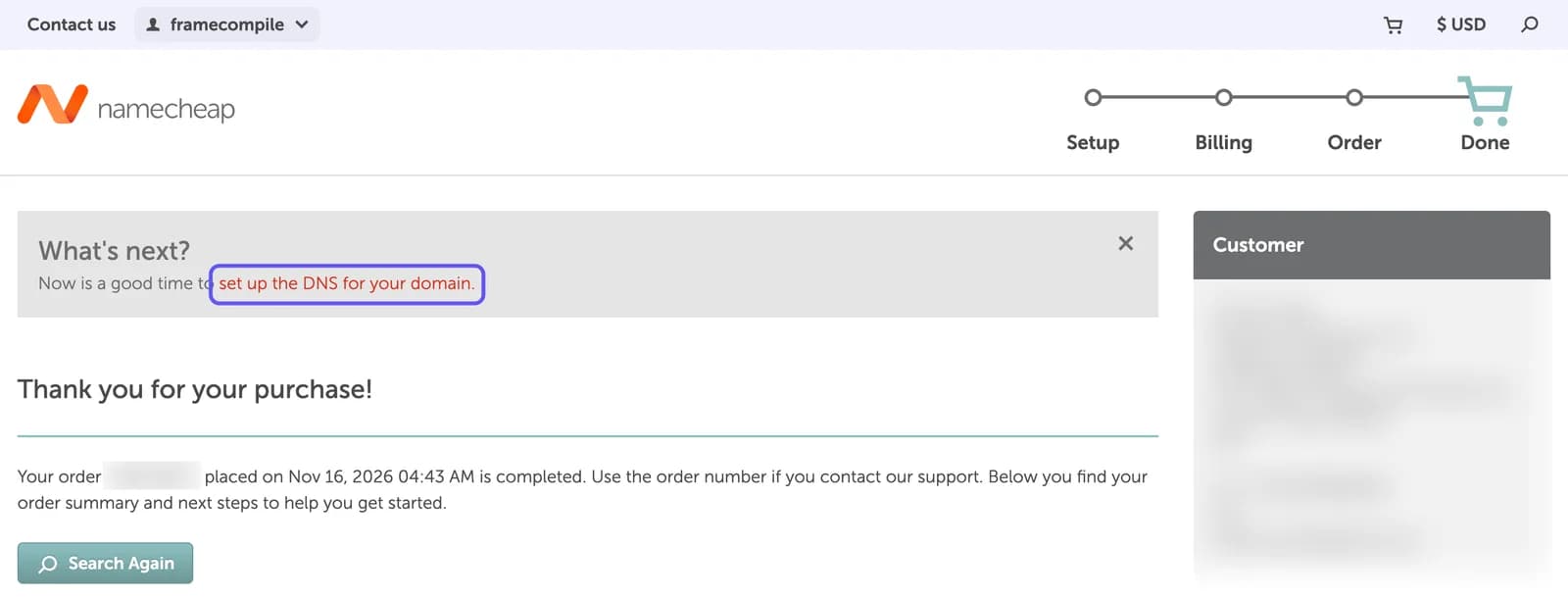
To buy a domain on Namecheap, search for the name on namecheap.com, select Add to cart, then Checkout. In the cart keep the free Domain Privacy on, choose how many years to register, and select Confirm Order. Add a payment method, choose whether it renews automatically, review the order and select Pay Now. The domain appears in your Domain List within a minute or two.
Choose a good domain name
- Short and easy to spell when someone hears it said out loud.
- A
.comif you can get one; otherwise a clear extension like.co,.ioor your country's (.ng,.co.uk). - No hyphens or numbers, which people mishear and mistype.
- Check that the matching social media handles are free too.
Buy the domain, step by step
Step 1: Search for the name
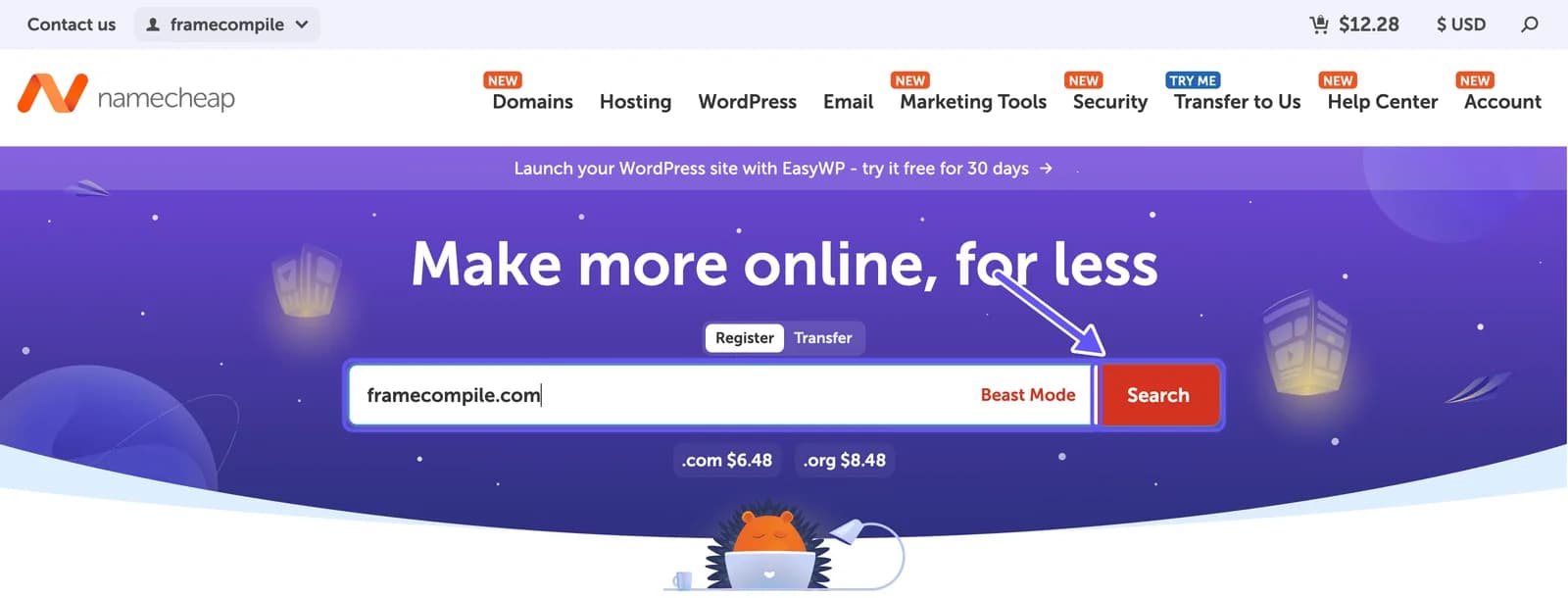
On namecheap.com, make sure Register is selected, type the domain you want into the search box and select .
Keep reading
How to Convert a Framer Site to Next.js (Step-by-Step)
Move a Framer site to Next.js without rebuilding it: convert it from its URL in about a minute, preview it, then download the code or deploy it to Vercel.
3 min read
How to Create a Vercel Access Token to Deploy Your Site
A step-by-step guide with screenshots: find Vercel's Tokens page, create a Full Account token, copy it safely, and use it to deploy your site from FrameCompile.
3 min read